Membership, buying a journey and your wallet
Become a member or buy one journey, pay by card or from your wallet, and pause or cancel when you need to.
Two ways to get access
- Membership opens every journey, including each new one, for as long as it is active. Choose monthly or yearly on the Membership page. If you have never been a member, you may be offered a 7-day free trial: cancel before it ends and you pay nothing.
- One journey: on a journey's page, press Buy this journey to own that journey on its own.
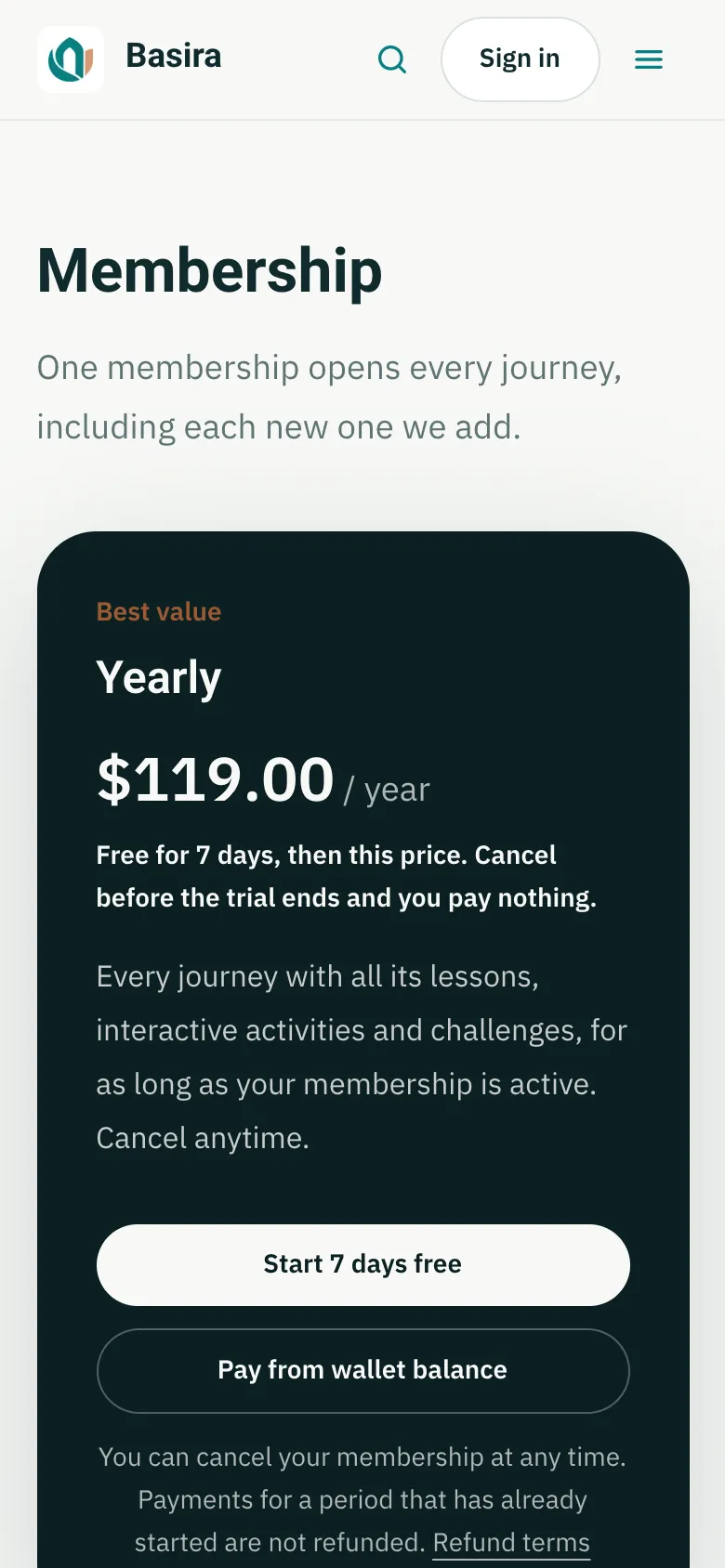
Not sure yet? Lessons marked Free preview are open to everyone.
Prices show in your own currency (you can choose it under Preferences), but payments are charged in US dollars.
Your wallet
Can't pay by card? Your wallet holds a dollar balance you can spend on the membership, any journey, or Nibras credit.
- Open My account, then Payments and wallet.
- Under Top up your wallet, pay by card, or choose a transfer method and add a picture of the receipt. A transfer is added once the Basira team approves it.
- Then buy with Pay from wallet balance.
Change, pause or cancel your membership
Open Payments and wallet and press Manage membership and payments. In the secure billing portal you can change your plan, update your card, cancel, and download your card receipts.
Thinking of cancelling? Under Thinking of cancelling?, you can press Pause my membership instead: nothing is charged while it's paused, it starts again by itself, and everything you've done stays in your account.
Last checked against the site on November 12, 2026.