Contact the Basira team
Send a support request, attach a screenshot, and follow our reply on the site.
Something not working, a question about a payment, or about a lesson's content? Send us a request. You don't need to be signed in.
- Open the Support page (it's also in the footer of every page).
- Under What is it about?, choose what it's about. A question about a lesson's content goes to that journey's instructor; everything else comes to the Basira team.
- Write a subject and tell us what you did, what you expected and what you saw.
- Press Add a screenshot or PDF if a picture of the screen would help.
- Press Send request.
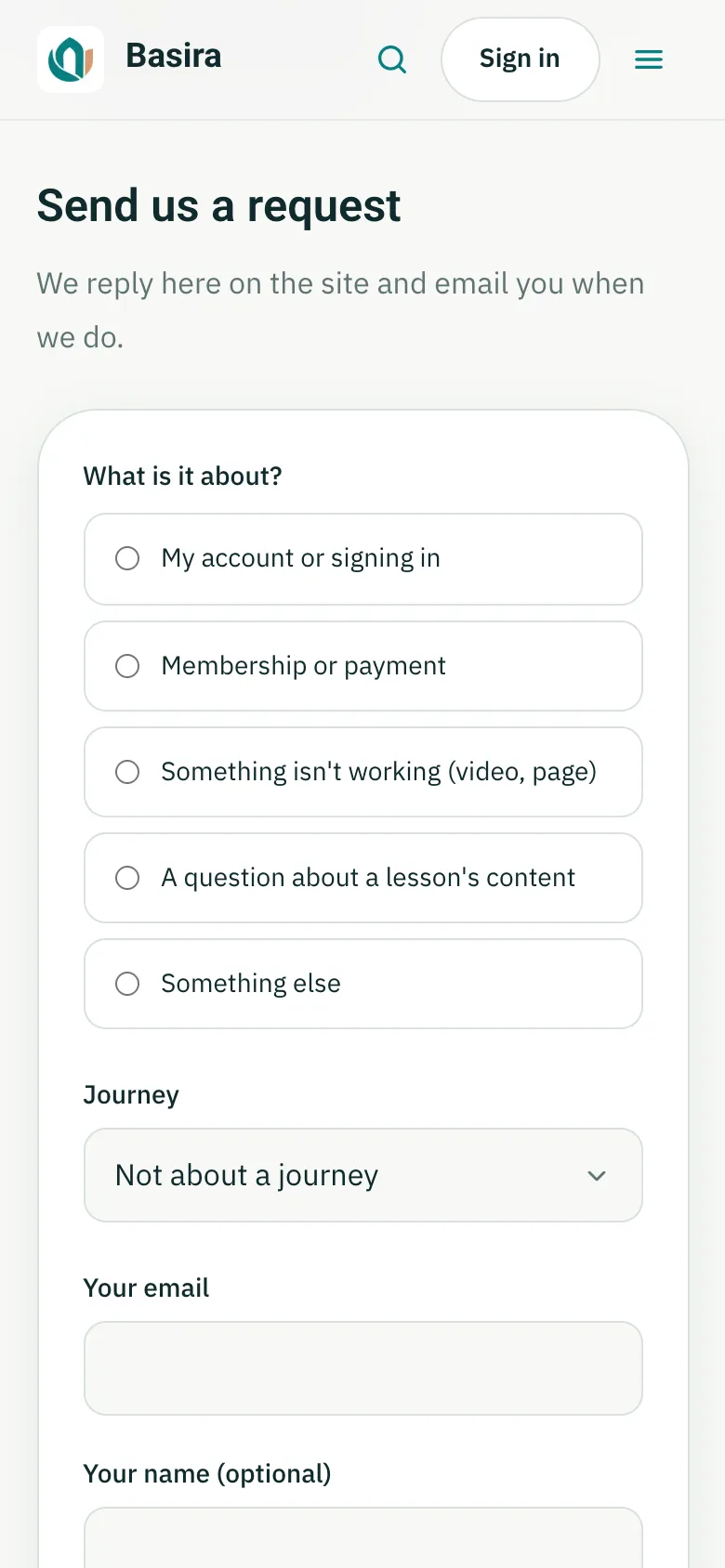
We reply on the site and email you when we do. Signed in, your requests are listed on the support page and under My conversations in your account. If you weren't signed in, we email you a private link to your request, where you can read our reply and answer.
Last checked against the site on November 12, 2026.