Create an account and sign in
Sign in with Google, Apple, a passkey or your email, and keep your account secure.
You need an account to save your progress, take notes, ask questions and join journeys. Creating one is free.
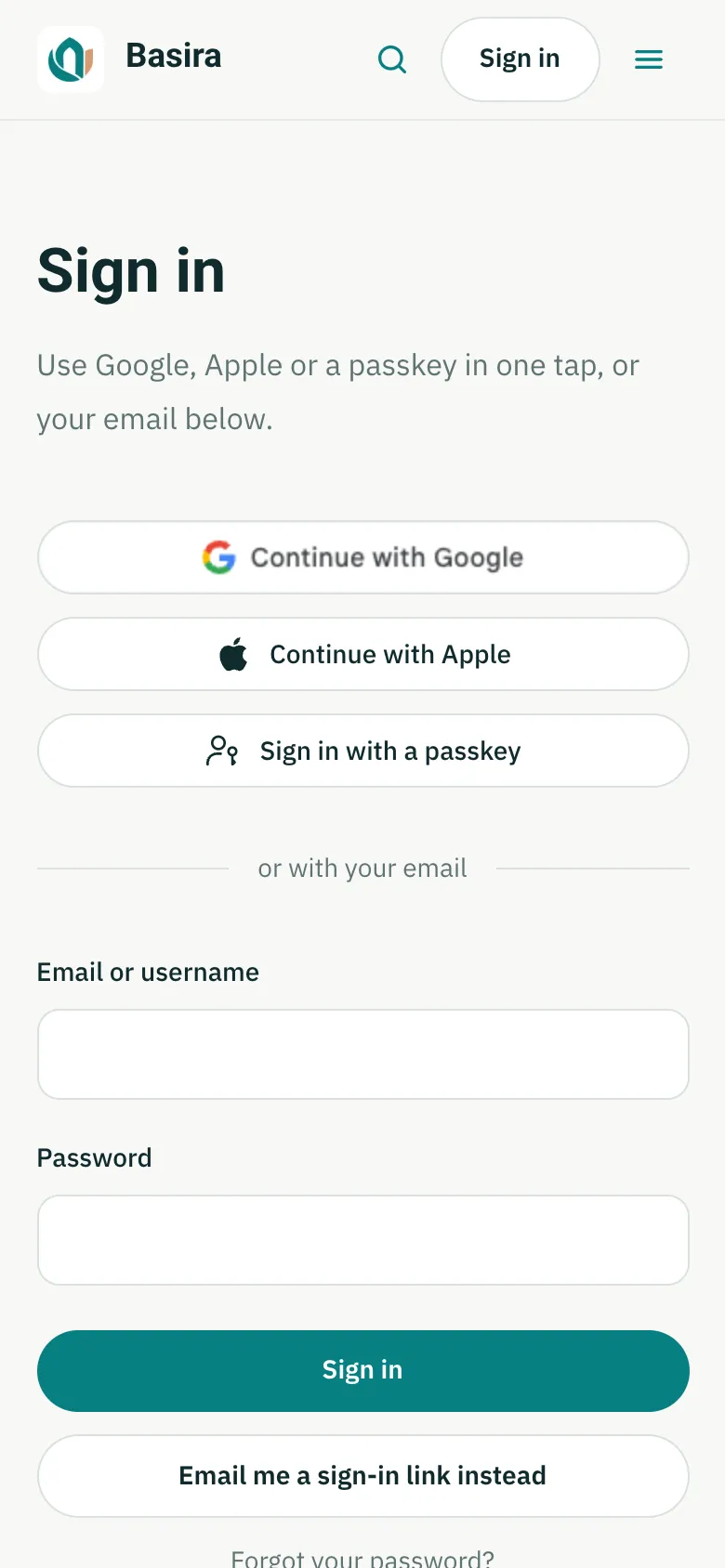
Sign in or create an account
- Press Sign in at the top of any page.
- Choose the quickest way for you:
- Continue with Google or Continue with Apple: one tap, no password to remember.
- Sign in with a passkey: uses your phone's or computer's face, fingerprint or PIN, if you've added a passkey before.
- Your email: type your email (or your username) and password, then press Sign in. New to Basira? Press Create an account instead.
- If you'd rather not use a password, press Email me a sign-in link instead and open the link we email you.
Keep your account secure
Open My account and choose Sign-in and security. There you can:
- change your email (we send a confirmation link to the new address first),
- choose a username, so you can sign in with it instead of your email,
- set or change your password,
- add a passkey, so next time you sign in with your face or fingerprint,
- turn on two-step verification.
Your name, photo and what other learners can see are under Profile.
Last checked against the site on November 12, 2026.